 Stories Downloader
One tap to save
Statuses go straight to your gallery in their original quality, under Pictures and Movies › Stories Downloader.
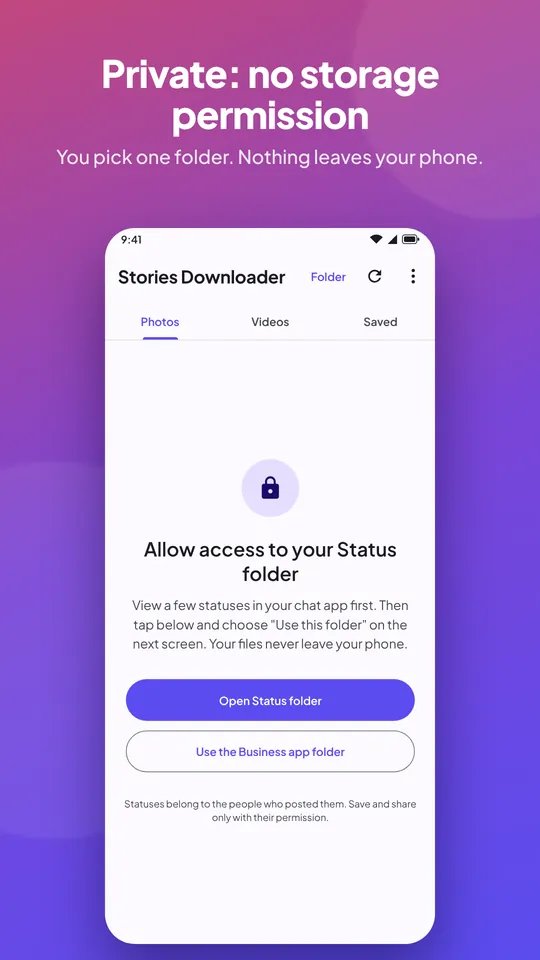
View, download and share the status photos and videos you've already watched. No sign-in, and nothing leaves your phone.
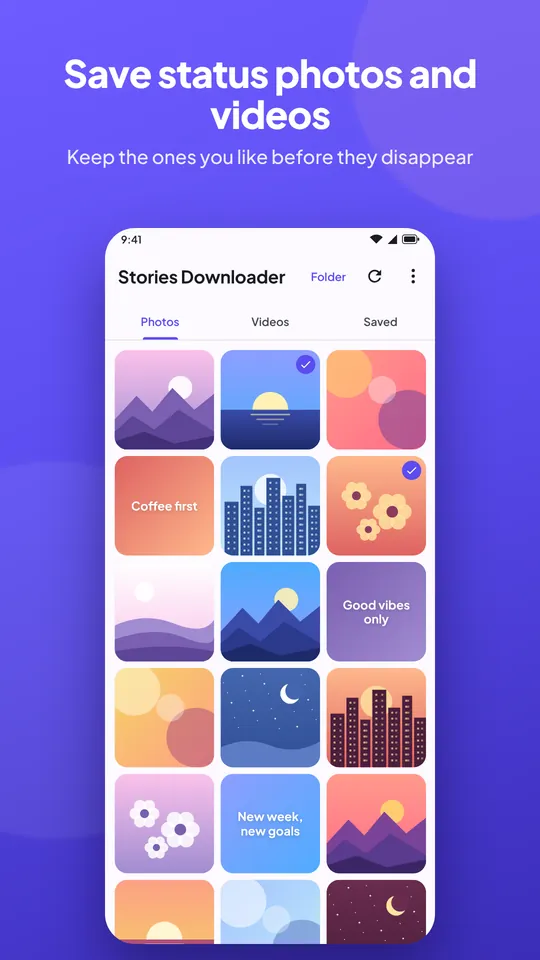
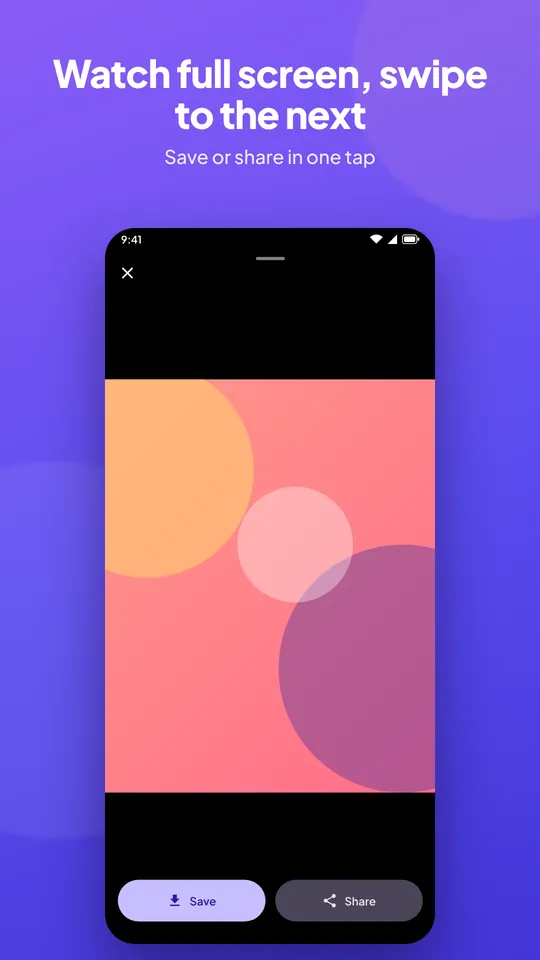
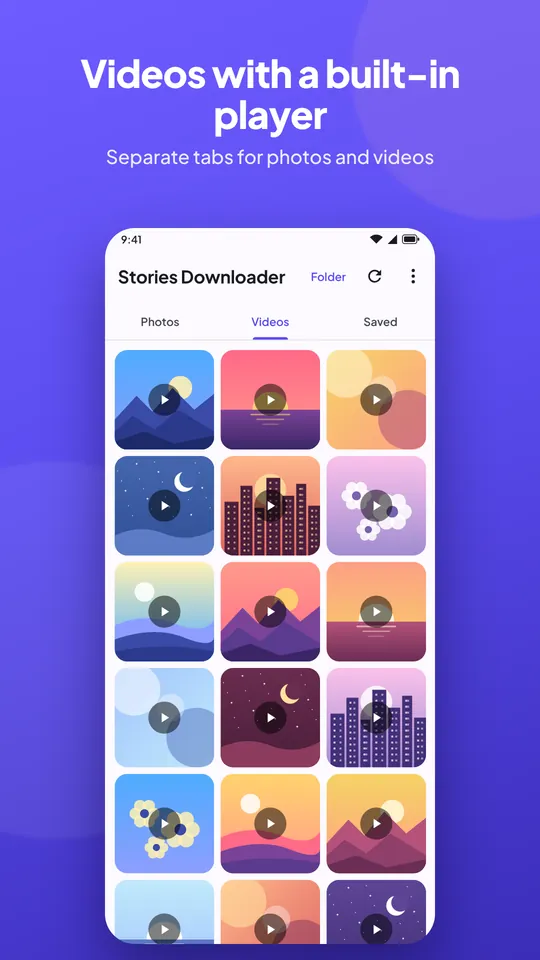
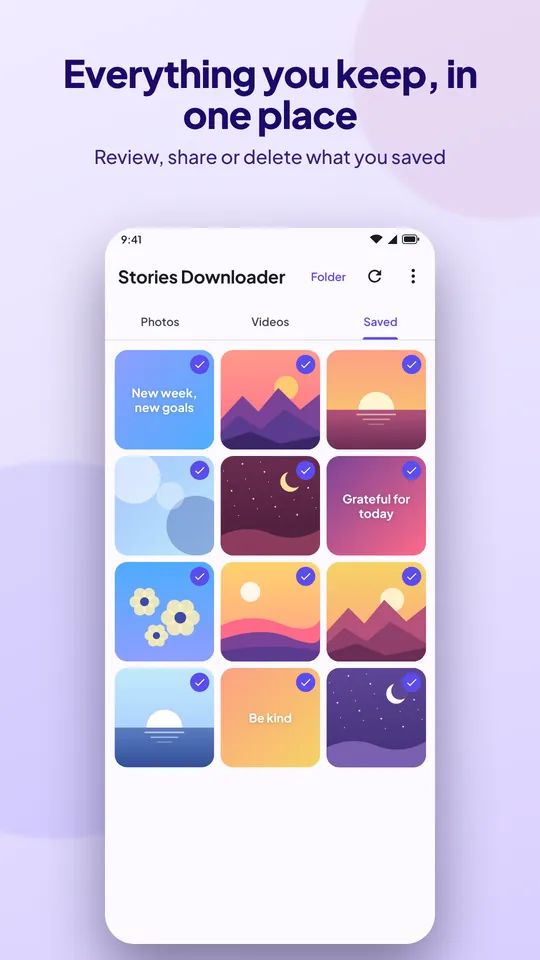
Photos, Videos and Saved, each one tap away. Swipe through statuses full screen, and swipe down to close.
Nothing it shouldn't.
Statuses go straight to your gallery in their original quality, under Pictures and Movies › Stories Downloader.
Turn it on and new statuses are saved for you, even in the background. Off by default.
Long-press to pick several statuses, then save, share or delete them together.
Send any photo or video to the apps you already use, straight from the viewer.
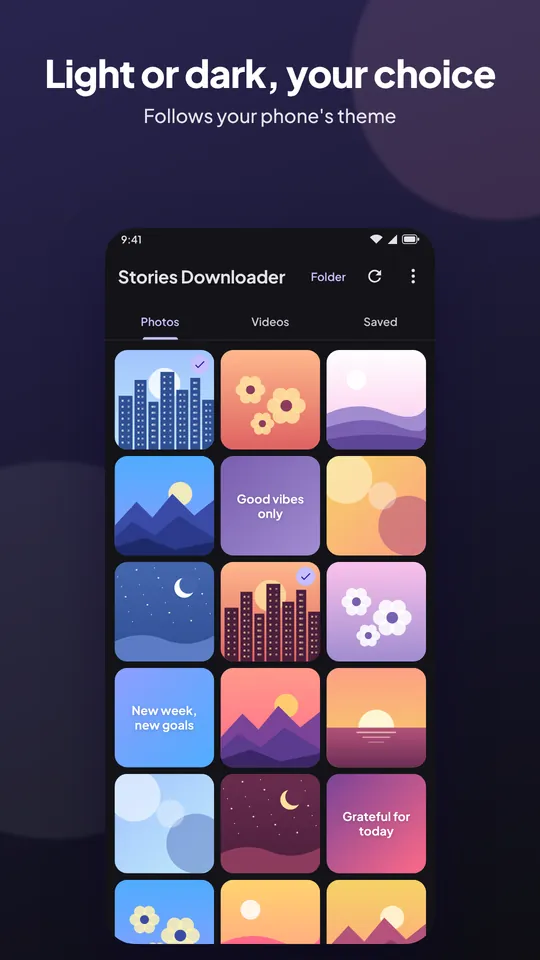
Follows your phone's theme, with large text and screen reader support built in.
Available in 12 languages, from Arabic and Hindi to Swahili and Chinese.
Set it up once and your statuses are always a tap away.
Stories Downloader doesn't ask for your account or for access to all your files.
The app shows statuses you have already opened in your chat app. Watch a few, then come back and pull to refresh.
In your gallery, under Pictures › Stories Downloader and Movies › Stories Downloader, and in the app's Saved tab.
No. On Android 10 and later it uses Android's own folder picker, so it only sees the one folder you choose. Android 8 and 9 ask for storage access only to save.
Yes. Viewing, saving and sharing work offline.
Not yet. iPhones don't let one app read another app's files, so a status saver can't work there.
Yes. It shows a few labelled ads between rows, never when you open the app or view a status. A one-time purchase removes them.